Your machine
Split panes, create tabs, and keep agents running while your terminal comes and goes.
$ nagiAgent multiplexer · a binary, not an app
Keep Codex, Claude Code, OpenCode, and their shells running when your terminal disappears. Reattach over SSH, see blocked, working, and done at a glance, then jump straight to the pane that needs you.
cargo build --release --locked
Rust 1.96.1 · Zig 0.15.2
Early access · source only · no Electron · no account · GitHub
 ▐▛███▜▌
▝▜█████▛▘
  ▘▘ ▝▝
 ▐▛███▜▌
▝▜█████▛▘
  ▘▘ ▝▝
# why nagi
Agents run wherever the work is: a server, a Mac Mini, a sandbox VM, anywhere you can ssh. You attach from any terminal, even a phone. Desktop agent managers can't leave the machine with the GUI. Nagi can. Why switch from an app →
Split panes, create tabs, and keep agents running while your terminal comes and goes.
$ nagiSSH in and run Nagi on the remote shell. The session stays after you detach, ideal from a phone SSH client.
$ ssh you@server
$ nagiA local client to a remote session. Installs Nagi on the host for you, bridges your local clipboard (including image paste), and keeps your keybindings.
$ nagi --remote workbox# responsive tui
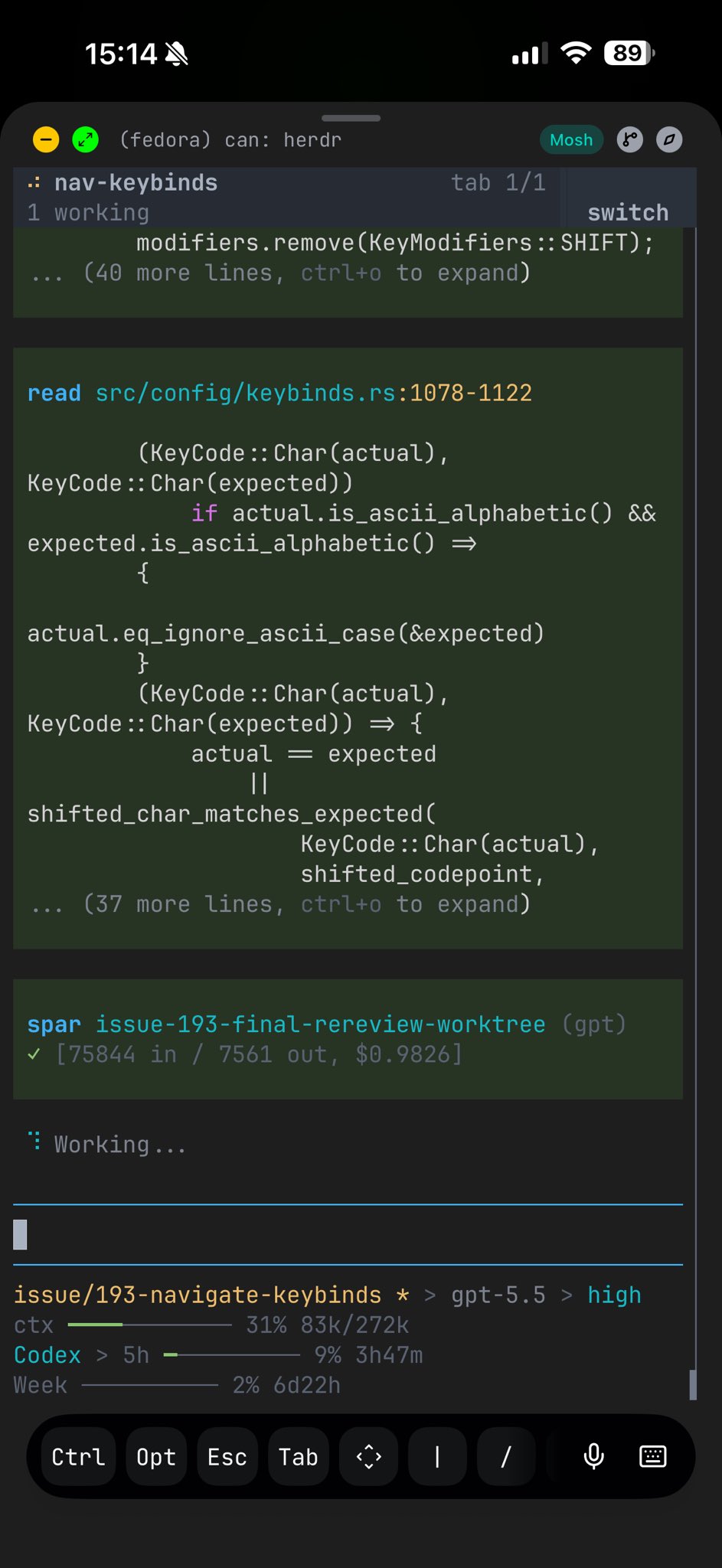
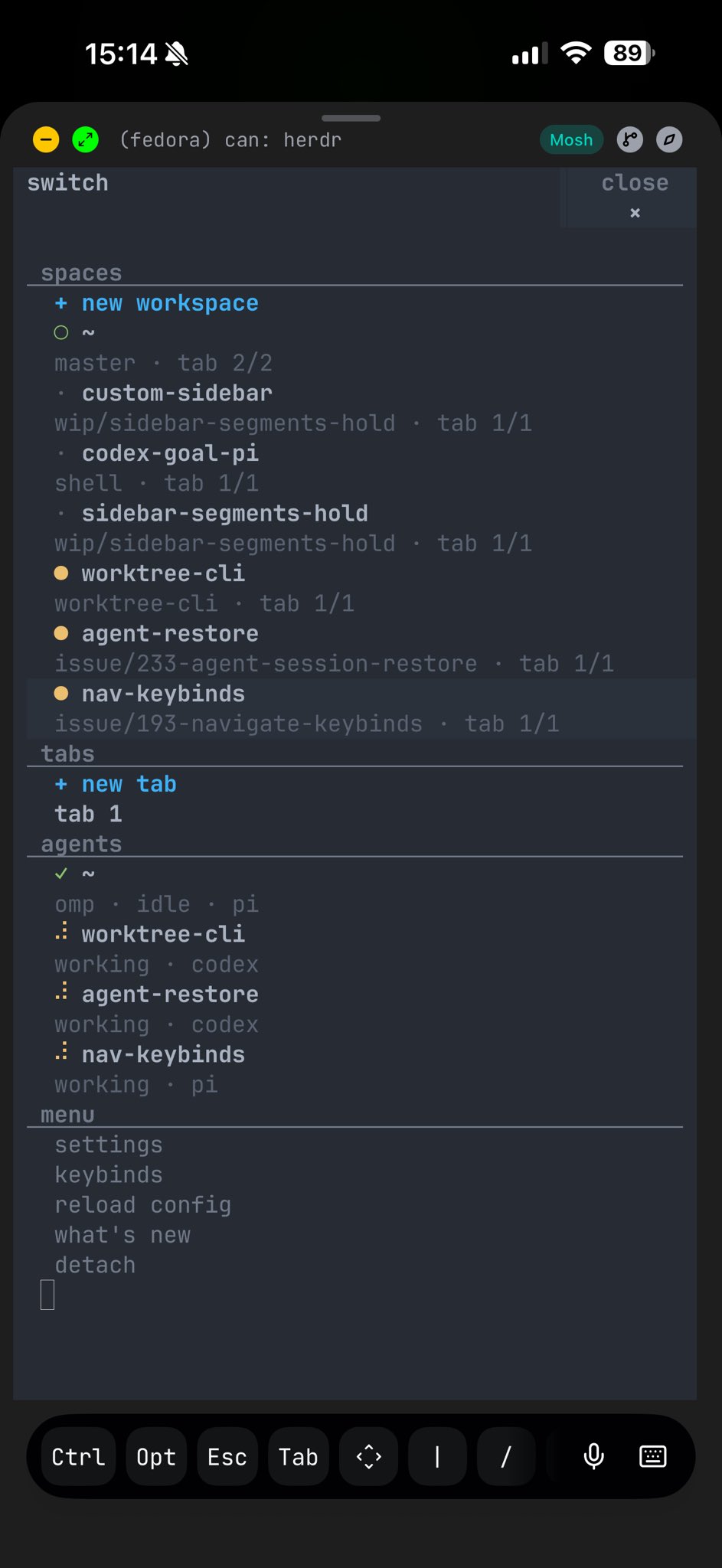
Nagi stays usable over SSH from a phone or tablet. The terminal view remains real, while narrow screens get a switcher built for touch-sized decisions.
# why different
tmux and Zellij own persistent terminal sessions but don't understand agents. Desktop agent apps understand agents but live on one machine. Nagi keeps the multiplexer in your terminal and makes it agent-aware. See the full comparison →
Ghostty, Kitty, iTerm, Alacritty: your terminal stays.
No web view, no account, no hosted control plane.
Persistence plus clickable panes, agent state, an API.
| Capability | tmux / Zellij | agent apps | worktree orchestrators | Nagi |
|---|---|---|---|---|
| Runs inside your terminal | ✓ | — | — | ✓ |
| Persistent PTY sessions | ✓ | limited | embedded | ✓ |
| Remote SSH attach | ✓ | limited | remote projects | ✓ |
| Semantic agent state | — | partial | workspace status | ✓ |
| Direct agent attach | — | — | — | ✓ |
| Agents can orchestrate it | scriptable | partial | workflow-owned | ✓ |
# what you get
No rebuilt chat view. Real processes in real PTYs, with clickable layout, persistent sessions, and a control surface your agents can use themselves.
Mouse-first panes, tabs, and workspaces. Keep your shell, fonts, and keybinds.
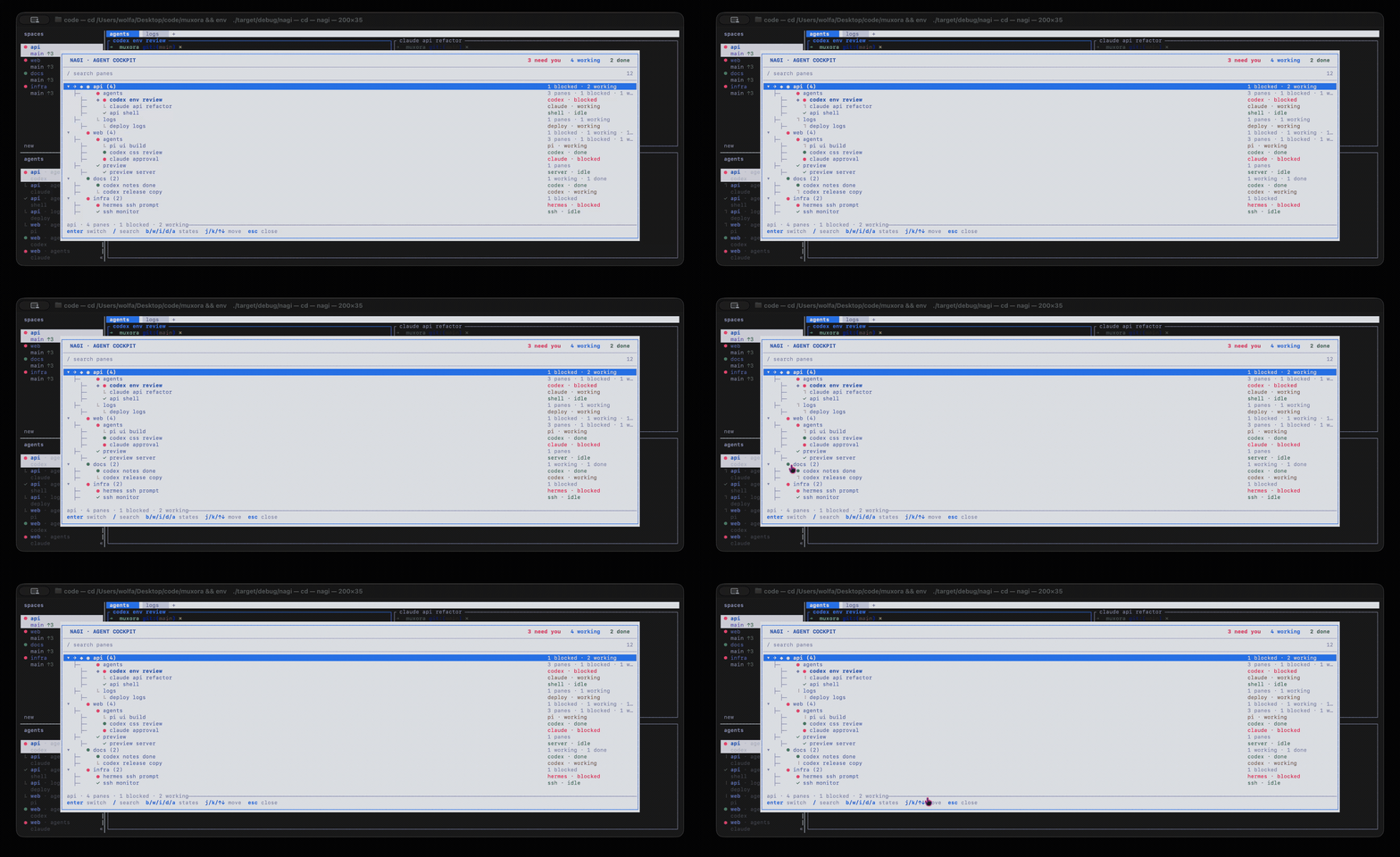
Blocked, working, done, and idle at a glance across the whole session.
Detach and reattach. Sessions and agents survive the terminal closing.
A CLI and JSON socket API expose workspaces, panes, output, and waits.
# create workspace structure
nagi workspace create --cwd ~/project --label api
nagi tab create --label logs

# split a pane and run work
nagi pane split 1-1 --direction right
nagi pane run 1-2 "just test"

# wait, inspect, and continue
nagi wait agent-status 1-1 --status done
nagi pane read 1-2 --source recent-unwrapped# integrations
Any terminal agent works out of the box. Integrations add richer state and session resume.
# build it
Nagi is early access and ships from source today. The terminal workspace and cockpit work now. The deeper mission loop is still being finished in public.